ChevyParts
My Garage
My Account
Cart
OEM Chevrolet Wheel Hub
Wheel Axle Hub- Select Vehicle by Model
- Select Vehicle by VIN
Select Vehicle by Model
orMake
Model
Year
Select Vehicle by VIN
For the most accurate results, select vehicle by your VIN (Vehicle Identification Number).
200 Wheel Hubs found
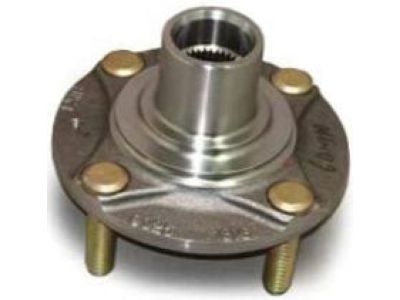
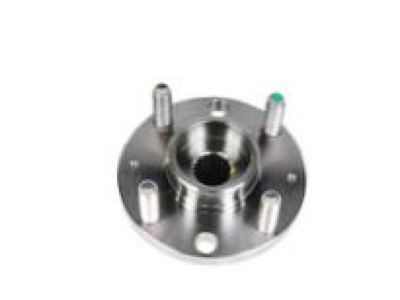
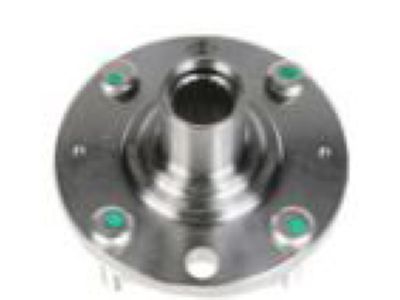
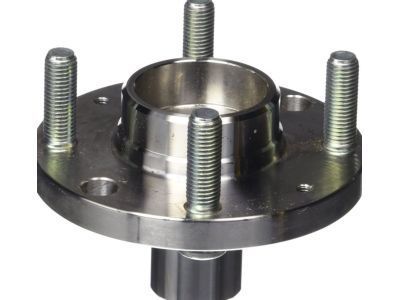
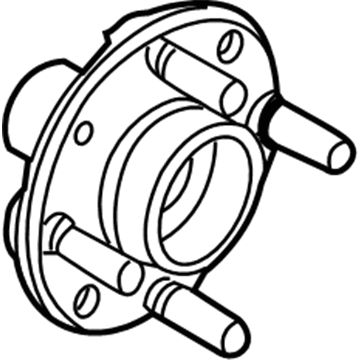
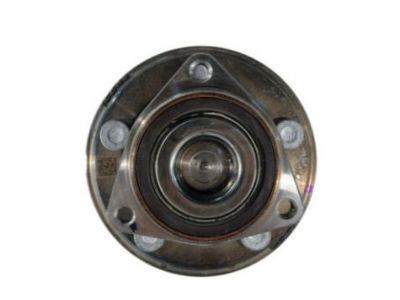
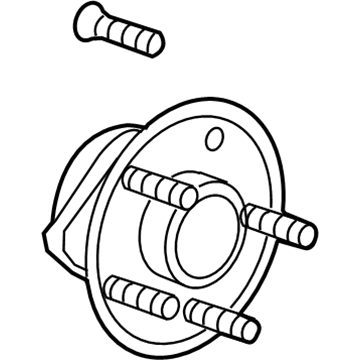
Chevrolet Front Hub Part Number: 95492092
$56.79 MSRP: $116.14You Save: $59.35 (52%)Ships in 1-2 Business DaysProduct Specifications- Other Name: Hub Assembly-Front Wheel; Wheel Hub Repair Kit; Hub; Hub, Front Wheel Inner; Hub, Front Wheel
- Position: Front
- Replaces: 96535041
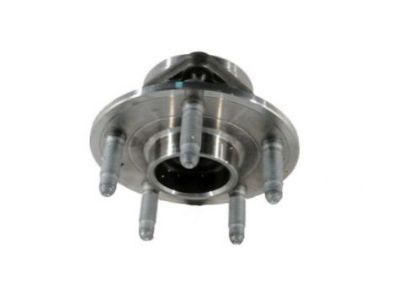
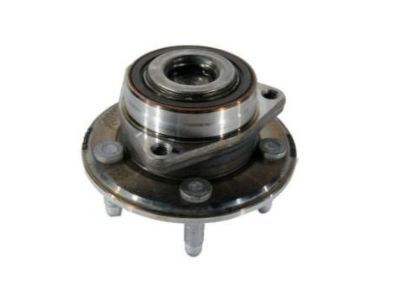
Chevrolet Hub & Bearing, Front Part Number: 23103115
$29.67 MSRP: $58.08You Save: $28.41 (49%)Product Specifications- Other Name: Hub, Front Wheel; Wheel Hub Repair Kit; Wheel Bearing; Wheel Hub
- Position: Front
- Replaces: 22924740
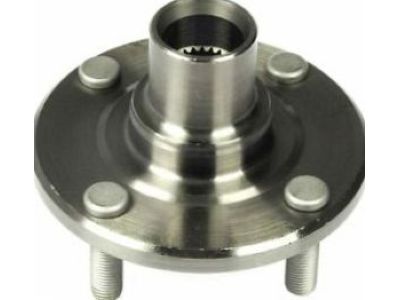
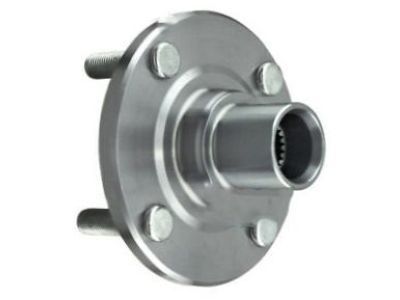
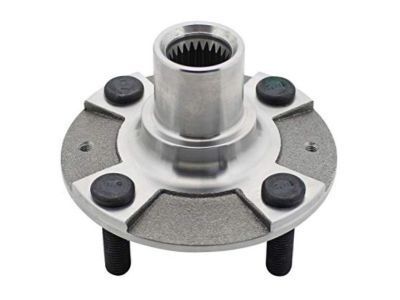
Chevrolet Front Hub Part Number: 94852756
$52.92 MSRP: $168.83You Save: $115.91 (69%)Ships in 1-2 Business DaysProduct Specifications- Other Name: Hub, Front Wheel; Wheel Hub Repair Kit; Wheel Hub; Hub
- Position: Front
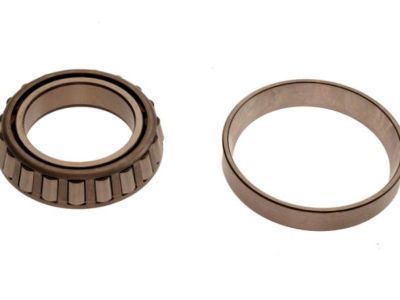
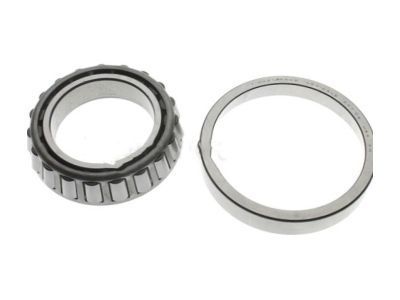
Chevrolet Wheel Bearings, Rear Part Number: 15042155
$34.70 MSRP: $108.20You Save: $73.50 (68%)Ships in 1-2 Business DaysProduct Specifications- Other Name: Bearing, Rear Wheel; Axle Bearing; Inner Bearing
- Position: Rear
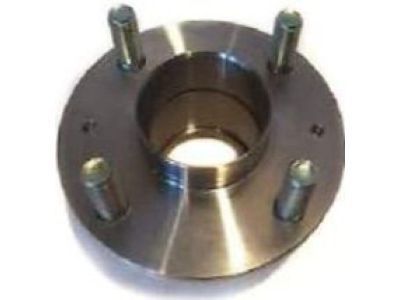
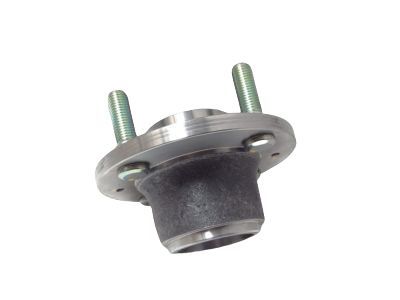
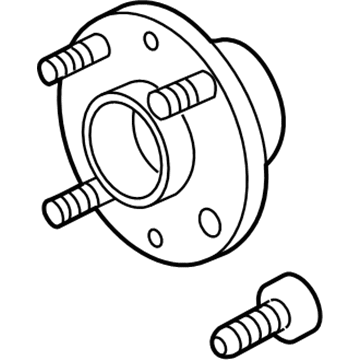
Chevrolet Hub Part Number: 95492094
$53.37 MSRP: $154.54You Save: $101.17 (66%)Ships in 1-2 Business DaysProduct Specifications- Other Name: Hub Assembly-Rear Wheel; Wheel Hub; Hub, Rear Wheel
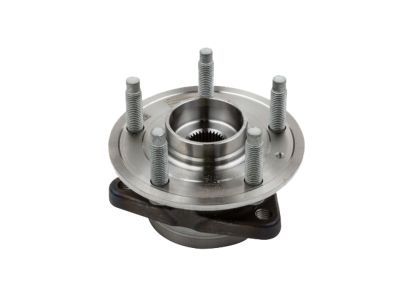
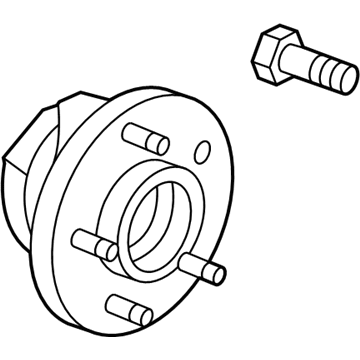
Chevrolet Hub Assembly, Front Part Number: 13517459
$284.74 MSRP: $534.72You Save: $249.98 (47%)Ships in 1 Business DayProduct Specifications- Other Name: Hub Assembly-Front Wheel; Disc Brake Hardware Kit; Wheel Hub Repair Kit; Wheel Bearing; Axle Bearing; Wheel Hub; Hub & Bearing; Hub, Front Wheel
- Position: Front
- Replaces: 13527694, 13580305
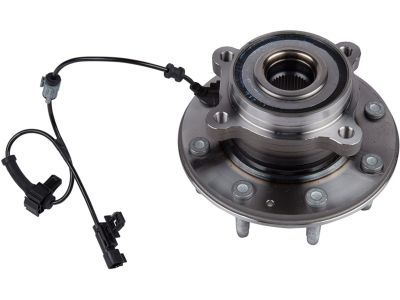
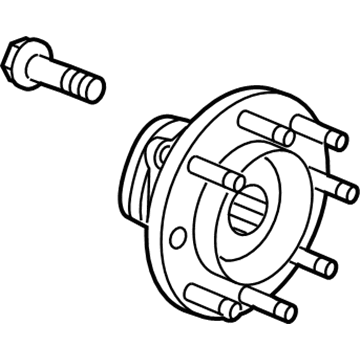
Chevrolet Front Hub Part Number: 84199397
$207.79 MSRP: $449.71You Save: $241.92 (54%)Product Specifications- Other Name: Hub Assembly-Front Wheel (W/ Bearing & Sensor); Wheel Bearing & Hub Repair Kit.; Hub & Bearing
- Position: Front
- Replaced by: 84964448
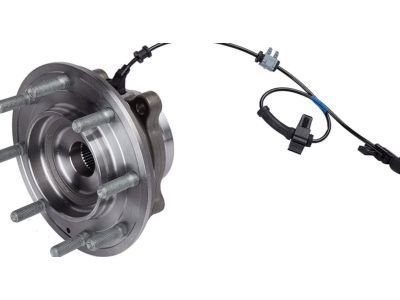
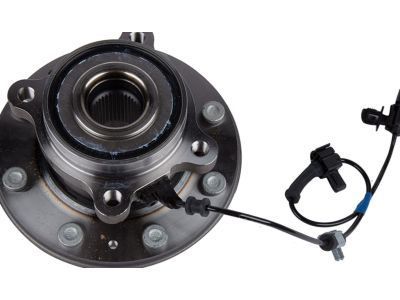
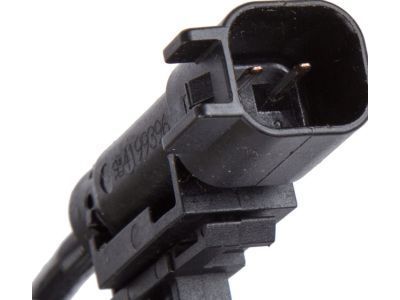
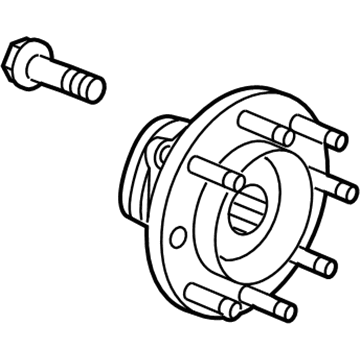
Chevrolet Front Hub Part Number: 84459706
$281.90 MSRP: $600.83You Save: $318.93 (54%)Product Specifications- Other Name: Hub Assembly-Front Wheel (W/ Bearing & Sensor); Wheel Bearing & Hub Repair Kit.; Hub & Bearing; Hub, Front Wheel
- Position: Front
- Replaced by: 84964449
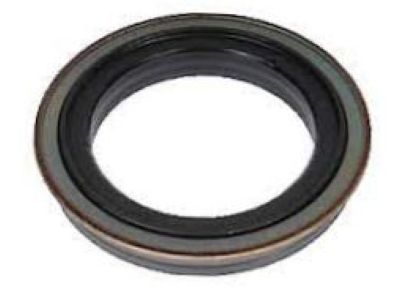
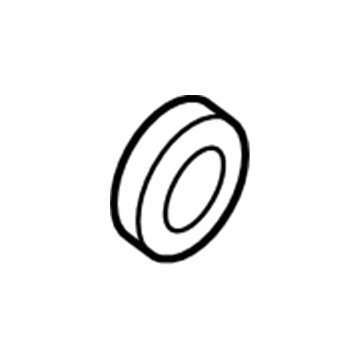
Chevrolet Wheel Bearings, Rear Part Number: 15042154
$44.33 MSRP: $90.66You Save: $46.33 (52%)Ships in 1-2 Business DaysProduct Specifications- Other Name: Bearing, Rear Wheel; Axle Bearing; Outer Bearing
- Position: Rear
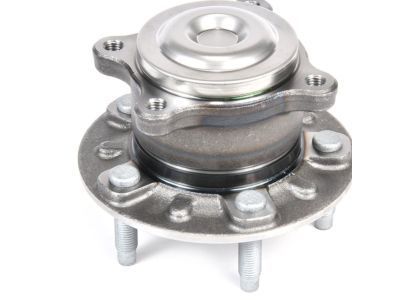
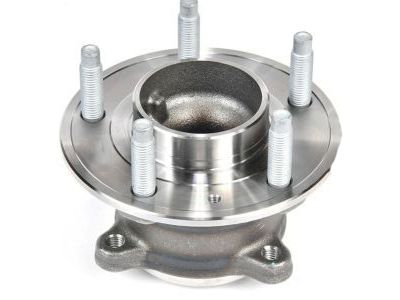
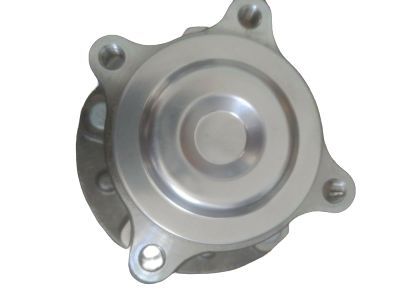
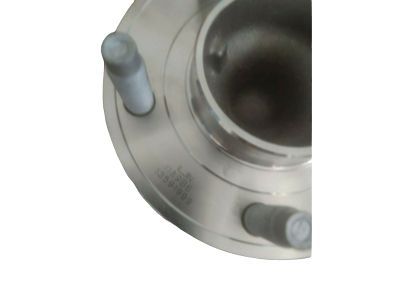
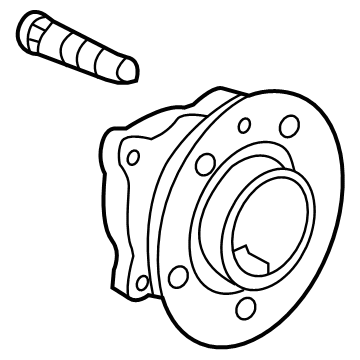
Chevrolet Hub Assembly, Rear Part Number: 13591999
$78.51 MSRP: $160.56You Save: $82.05 (52%)Ships in 1-2 Business DaysProduct Specifications- Other Name: Hub Assembly-Rear Wheel; Rear Hub; Bearing, Rear Wheel; Hub, Rear Wheel
- Position: Rear
- Replaces: 13577407, 13500574, 13580091, 13598920, 13502873
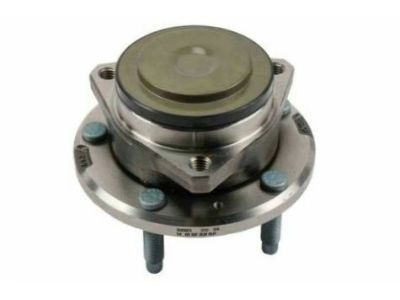
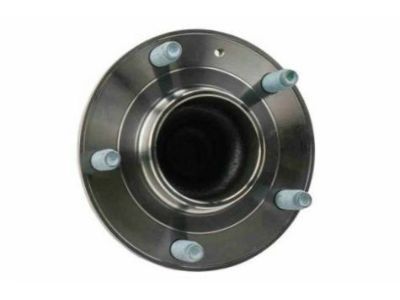
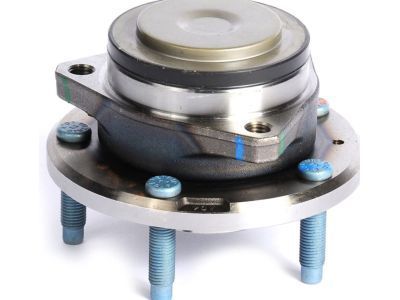
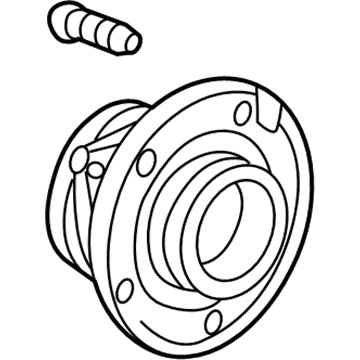
Chevrolet Front Hub & Bearing Part Number: 20981829
$131.79 MSRP: $269.52You Save: $137.73 (52%)Product Specifications- Other Name: Hub, Front Wheel; Wheel Hub Repair Kit; Wheel Bearing; Axle Bearing; Wheel Hub; Hub & Bearing
- Position: Front
- Replaced by: 85144278
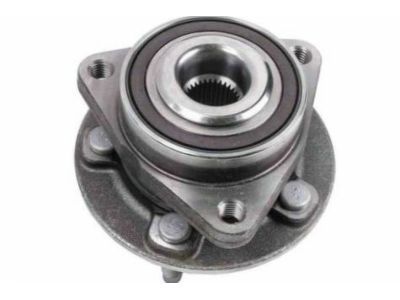
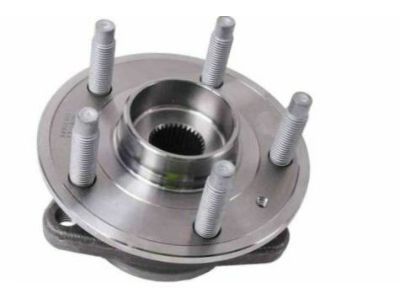
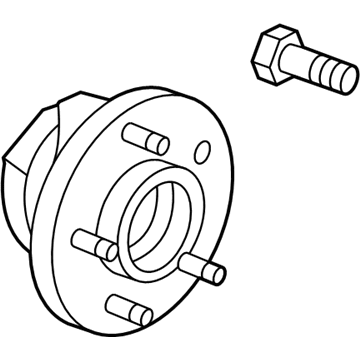
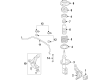
Chevrolet Hub Assembly, Front Part Number: 13531686
$133.55 MSRP: $273.12You Save: $139.57 (52%)Ships in 1-2 Business DaysProduct Specifications- Other Name: Bearing Assembly, Front Wheel; Wheel Hub and Bearing Repair Kit; Disc Brake Hardware.; Hub & Bearing; Hub, Front Wheel
- Position: Front
- Replaces: 13500571, 13585467, 13502828
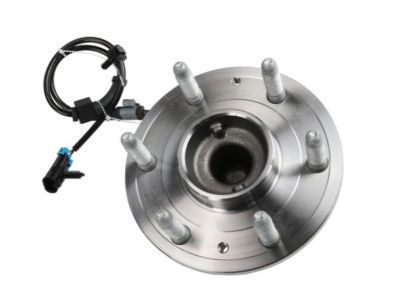
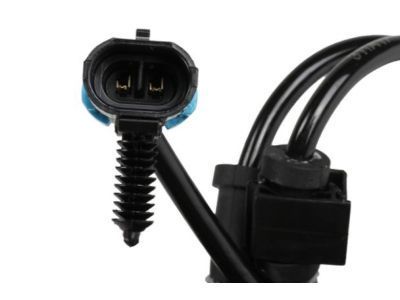
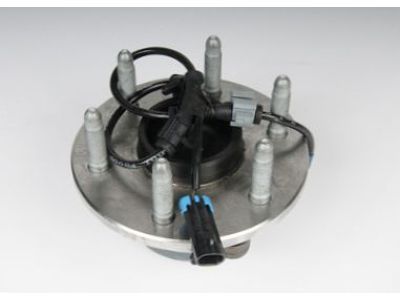
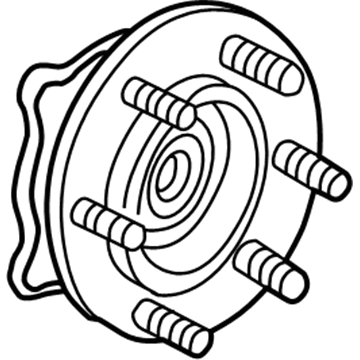
Chevrolet Hub & Bearing, Front Part Number: 15863440
$155.03 MSRP: $317.04You Save: $162.01 (52%)Ships in 1-2 Business DaysProduct Specifications- Other Name: Hub Assembly-Front Wheel (W/Wheel Speed Sensor); Wheel Bearing & Hub Repair Kit.
- Position: Front
- Replaced by: 84856648
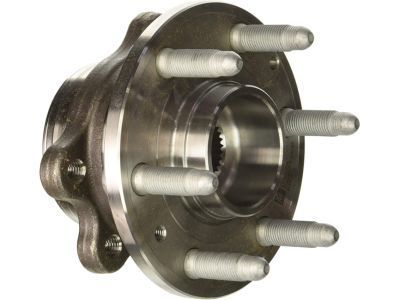
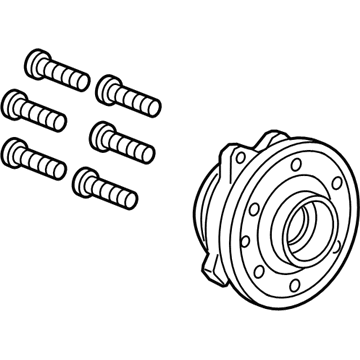
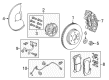
Chevrolet Front Hub & Bearing Part Number: 84681709
$167.73 MSRP: $343.02You Save: $175.29 (52%)Ships in 1-2 Business DaysProduct Specifications- Other Name: Hub, Front Wheel; Wheel Hub Repair Kit; Wheel Bearing; Axle Bearing; Wheel Hub; Hub & Bearing
- Position: Front
- Replaces: 23251498, 94775732, 84141646
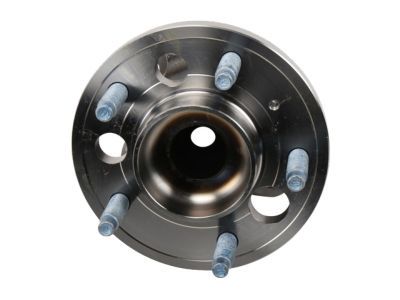
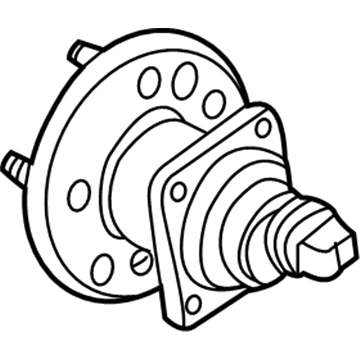
Chevrolet Hub & Bearing, Rear Part Number: 13585741
$168.64 MSRP: $344.88You Save: $176.24 (52%)Ships in 1-3 Business DaysProduct Specifications- Other Name: Bearing Assembly-Rear Wheel; Wheel Bearing; Axle Bearing; Wheel Hub; Hub & Bearing Assembly; Hub, Rear Wheel
- Position: Rear
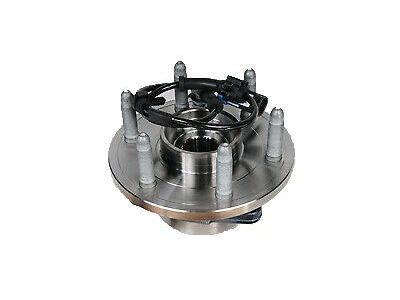
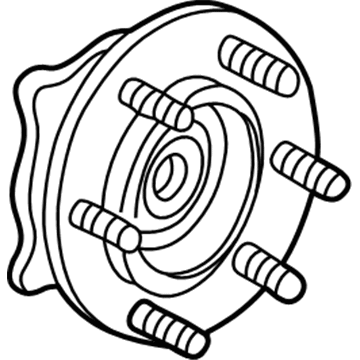
Chevrolet Front Hub Part Number: 84856655
$214.14 MSRP: $437.92You Save: $223.78 (52%)Ships in 1 Business DayProduct Specifications- Other Name: Hub Assembly-Front Wheel (W/ Bearing & Wheel Speed Sensor); Wheel Hub Repair Kit; Wheel Bearing; Axle Bearing; Wheel Hub; Hub & Bearing; Hub, Front Wheel
- Position: Front
- Replaces: 10393163, 19209040, 15102294, 15863441, 84356639
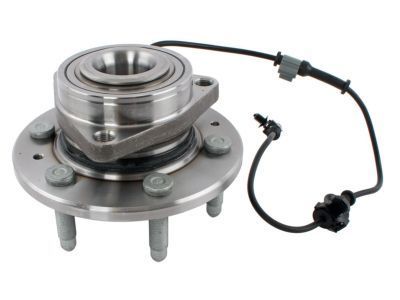
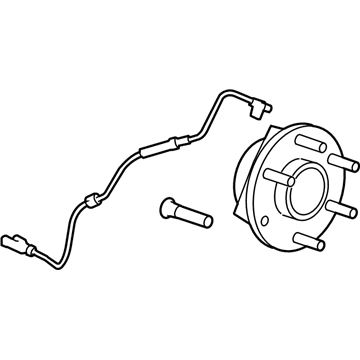
Chevrolet Front Hub Part Number: 84856654
$218.09 MSRP: $445.98You Save: $227.89 (52%)Product Specifications- Other Name: Hub Assembly-Front Wheel (W/ Bearing & Wheel Speed Sensor); Wheel Hub Repair Kit; Wheel Bearing; Axle Bearing; Wheel Hub; Hub & Bearing; Hub, Front Wheel
- Position: Front
- Replaces: 10393171, 22841381, 25918329, 25976819, 84356643
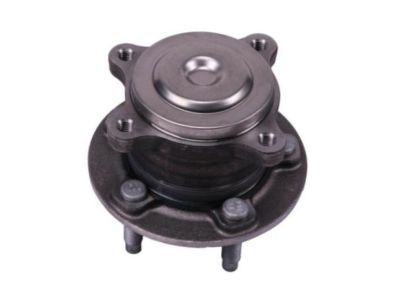
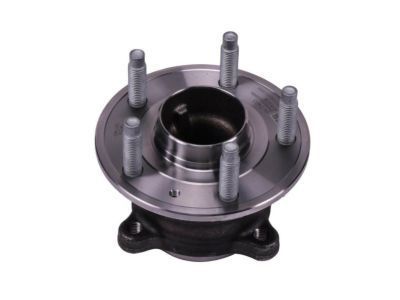
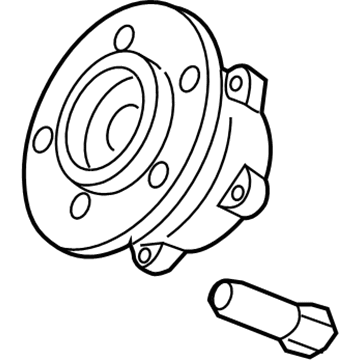
Chevrolet Hub Assembly, Rear Part Number: 13517460
$243.34 MSRP: $497.62You Save: $254.28 (52%)Ships in 1-2 Business DaysProduct Specifications- Other Name: Hub Assembly-Rear Wheel; Wheel Bearing & Hub Assembly; Axle Bearing; Wheel Hub; Rear Hub; Hub & Bearing; Hub, Rear Wheel
- Position: Rear
- Replaces: 13580387
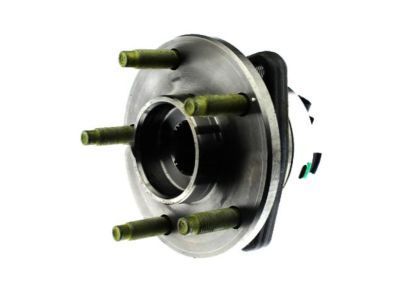
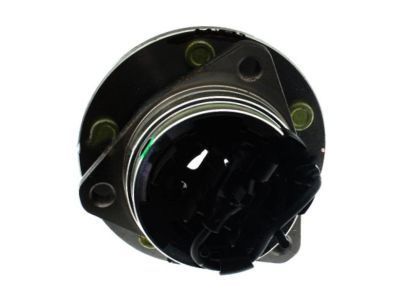
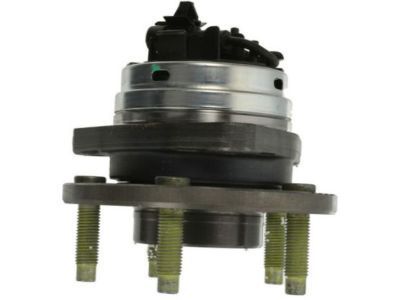
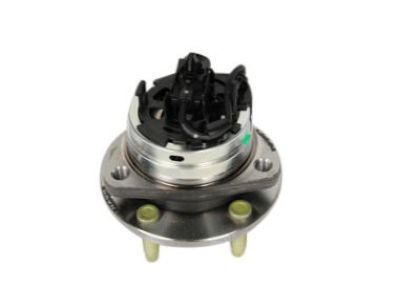
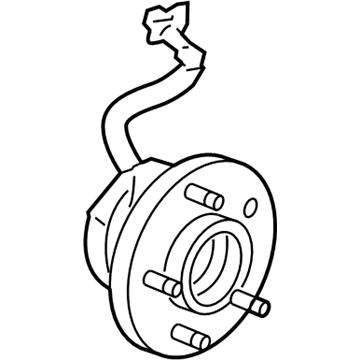
Chevrolet Hub & Bearing, Green Line, Front Part Number: 19259807
$265.45 MSRP: $542.84You Save: $277.39 (52%)Ships in 1-2 Business DaysProduct Specifications- Other Name: Bearing Assembly, Front Wheel; Wheel Hub Repair Kit; Axle Bearing.
- Position: Front
- Replaces: 20964319, 19421350, 20907865, 22842004
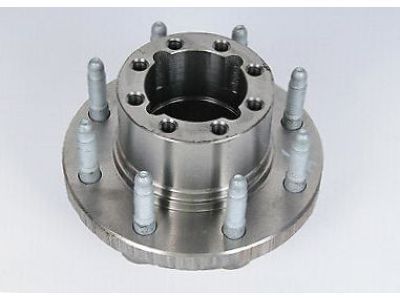
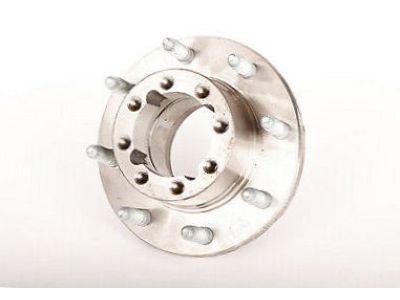
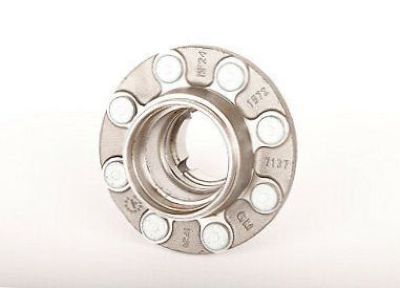
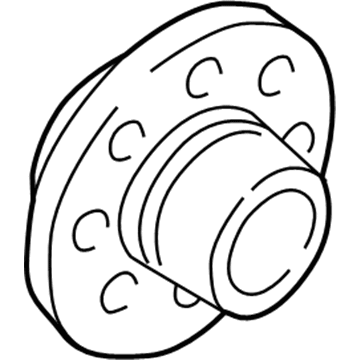
Chevrolet Hub, Rear Part Number: 25843093
$267.80 MSRP: $547.68You Save: $279.88 (52%)Ships in 1-2 Business DaysProduct Specifications- Other Name: Hub Assembly-Rear Wheel; Hub, Rear Wheel
- Position: Rear
- Replaces: 15712805, 15829645
| Page 1 of 10 |Next >
1-20 of 200 Results
Chevrolet Wheel Hub
Choose OEM Wheel Hub, you're making the optimal decision for superior quality and perfect performance. You can feel confident because each component goes through stringent quality checks. Every part is carefully built to comply with Chevrolet's factory specifications. You'll enjoy a smooth, worry-free installation that fits just right. At ChevyPartsDeal.com, you'll find it easy to get top-quality OEM Chevrolet Wheel Hub. You can shop at highly competitive prices and protect your budget. All our genuine Chevrolet parts include a dependable manufacturer's warranty. You'll also appreciate our straightforward return policy and swift delivery services for extra convenience.
Chevrolet Wheel Hub manages to keep your wheels turning straight as well as fixing them firmly on the axle. Chevy was born in 1911 and was developed into highways of punchy sedans, trucks, and SUVs destined to survive the grit of everyday tasks and sprint on weekends. Chevrolet has earned its stripes when it came to combining simple ergonomics with engines that roll up their heads when faced with grueling commutes and extended road journeys. Families enjoy the roomy cabins, thrill seekers appreciate the torque, and tech heads are smiling at Super Cruise with hands-off the miles go by. Chevy continues to iterate, stripping them of fluff in favor of sound powertrain, more aggressive styling, and driver aids that are not gimmicky. In the same way, regardless of the alpine trails or daily carpools, the badge reminds you to promise you the same thing: easy use, unapologetic muscle. In each wheel assembly, the bearings are accommodated in the Wheel Hub and in many cases also an ABS sensor, which coordinates low-friction rotation, accurate speed information, and continuous clamping force during corner, pothole, or hard-braking contacts. As a Chevy hums at the fender or the steering wheel shakes, it is worn bearings to blame not tires chewing or brakes smoking. A replacement of the Wheel Hub prevents said vibration, straight track once again, and ABS is able to chat effectively with the control module. Chevrolet riders drive through the immediate benefit of reduced noises coupled with more consistent turns of corners and exits. Proper tightening of the axle nut fixes down the assembly and eliminates subsequent failure.
Chevrolet Wheel Hub Parts and Q&A
- Q:How to replace the front Wheel Hub on Chevrolet Beretta?A:At the front another new design feature is the sealed-for-life front hub and wheel bearing assembly that must be replaced as an assembly. This can be done by opening up the wheel lug nuts, lifting the front part of the car and placing it on jackstands that are firmly in place. Push the parking brake and place the rear wheels chocks to avoid the vehicle from moving. First, now, disengage the wheel, then unbolt the stabilizer bar from the control arm. When that has been done, then you should take off the ball joint-to-steering knuckle nut and then detach the control arm from the knuckle. Take the caliper off the steering knuckle and suspend it on a wire since it is not needed in this step. Take the rotor off the hub and if at all needed, the driveaxle should be pulled off. This requires the no 55 TORX bit to be used to free the three hub retaining bolts passing through the opening of the flange not using Allen wrench to deal with the bolts as this may permanently affect their shape. Move the hub and bearing assembly up and down and pull it together with the rotor shield out of the steering knuckle. If the hub and bearing assembly is being replaced it is suggested to replace the dust seal in the back of the steering knuckle with a screwdriver. Install a new dust seal from the knuckle end and tighten it, do not let it be cocked in the bore, use a large socket or seal driver and a hammer to do this. Insert a new O-ring around the rear of the bearing and make it to force against the flange of the bearing. Scrub the mating surfaces on the steering knuckle, bearing flange and knuckle bore lightly, apply high temperature grease on the outer diameter of the bearing and seal lips and then installing the hub and bearing to the steering knuckle. Place the rotor shield in their respective position and tighten the three bolts and torque the same as recommended. Replace the driveaxle put the control arm on the steering knuckle and secure the stabilizer bar to the control arm. Bolt on the brake rotor and the caliper, tighten the stub axal nut to the initial torque to lock the drive axle in hub so that it cannot turn by inserting a screw driver through the caliper into the vane of the rotor if required. Last, apply the wheel, lower the car and tighten the lug nuts to the initial torque, then to the final torque tighten the hub nut .
- Q:How to remove the front Wheel Hub on Chevrolet Malibu?A:To remove the hub/bearing assembly, begin by loosening the driveaxle/hub and wheel lug nuts. Raise the front of the vehicle, support it securely on jackstands and remove the wheel and the ABS wheel speed sensor. Next, discard the driveaxle/hub nut and separate the driveaxle from the steering knuckle, making sure to support the driveaxle end with a wire. Remove the brake caliper, caliper mounting bracket, and brake disc. Finally, remove the hub/bearing assembly from the steering knuckle by discarding the mounting bolts. To install the hub/bearing assembly, ensure that the mounting surface inside the steering knuckle and the driveaxle splines are smooth and free of burrs and nicks. Lubricate the driveaxle splines with multi-purpose grease and fully seat the hub and bearing assembly into the steering knuckle. Insert the driveaxle splines into the hub and install new mounting bolts, tightening them to the correct torque specifications. Install the ABS wheel speed sensor and the brake disc, followed by the caliper mounting bracket and caliper, tightening the fasteners to the proper torque specifications. Install the wheel and lug nuts and lower the vehicle and tighten the driveaxle/hub nut and the lug nuts to the correct torque specifications.
Related Chevrolet Parts
 Chevrolet ABS Control Module
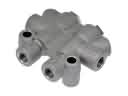 Chevrolet Brake Proportioning Valve
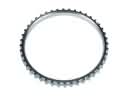 Chevrolet ABS Reluctor Ring
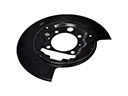 Chevrolet Backing Plate
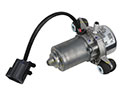 Chevrolet Brake Booster Vacuum Pump
 Chevrolet Brake Caliper Piston
 Chevrolet Brake Fluid Pump
 Chevrolet Brake Rotor
 Chevrolet Hydraulic Hose
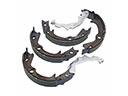 Chevrolet Parking Brake Shoes
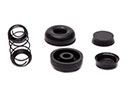 Chevrolet Wheel Cylinder Repair Kit
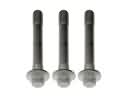 Chevrolet Wheel Hub Bolt
Browse Chevrolet Wheel Hub by Models
S10 Colorado C10 Tahoe Cruze Malibu Camaro Equinox Impala SSR Avalanche Silverado 1500 Silverado 2500 HD Classic Suburban Traverse Blazer Sonic Tracker Volt K10 Spark Trax Trailblazer Astro Cavalier Corvette C20 Aveo Beretta Bolt EUV Bolt EV C1500 C2500 C30 C3500 Celebrity City Express Corsica Express 1500 Express 2500 Express 3500 G10 G20 G30 K1500 K20 K2500 K30 K3500 Lumina Metro Monte Carlo P30 Prizm S10 Blazer Silverado 2500 Sprint Uplander Venture Lumina APV Silverado 3500 Suburban 1500 Trailblazer EXT Avalanche 1500 Avalanche 2500 Aveo5 Blazer EV C1500 Suburban C2500 Suburban Captiva Sport Citation II Cruze Limited Equinox EV Impala Limited K1500 Suburban K2500 Suburban Malibu Limited P20 R10 R20 R2500 R30 R3500 Silverado 1500 Classic Silverado 1500 HD Silverado 1500 HD Classic Silverado 1500 LD Silverado 1500 LTD Silverado 2500 HD Classic Silverado 3500 Classic Silverado 3500 HD Silverado EV Spark EV Spectrum Suburban 2500 Suburban 3500 HD Traverse Limited V10 V20 V30 V3500