ChevyParts
My Garage
My Account
Cart
OEM Chevrolet Silverado 3500 Brake Pad
Disc Brake Pad Set- Select Vehicle by Model
- Select Vehicle by VIN
Select Vehicle by Model
orMake
Model
Year
Select Vehicle by VIN
For the most accurate results, select vehicle by your VIN (Vehicle Identification Number).
5 Brake Pads found
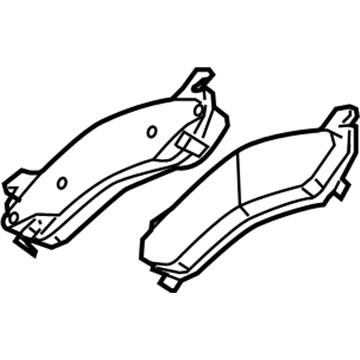
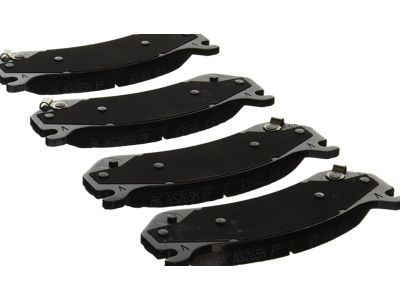
Chevrolet Silverado 3500 Brake Pads, Front Part Number: 19432941
$118.76 MSRP: $250.06You Save: $131.30 (53%)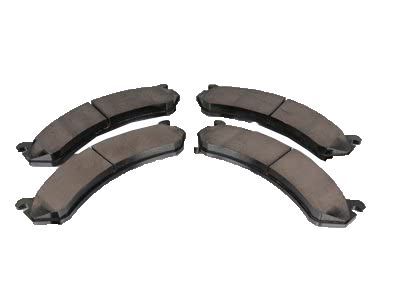
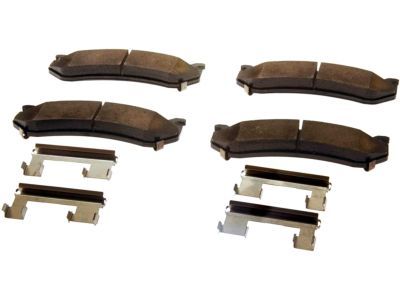
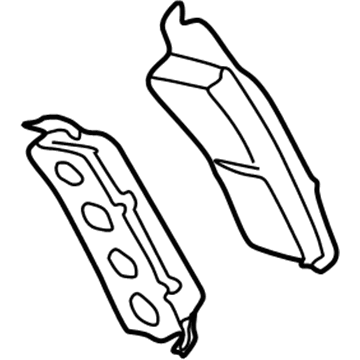
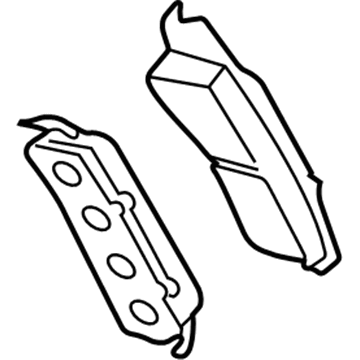
Chevrolet Silverado 3500 Brake Pads Part Number: 19210705
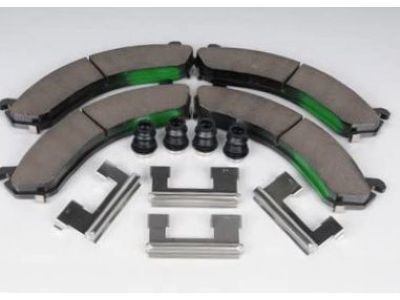
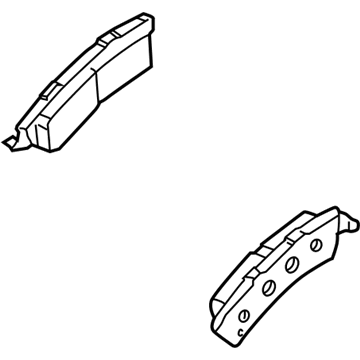
Chevrolet Silverado 3500 Brake Pads Part Number: 19133307
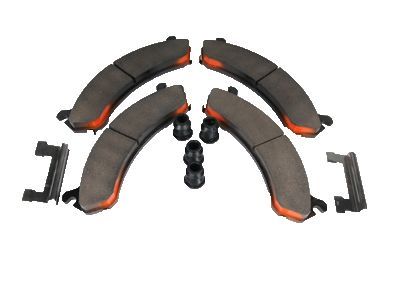
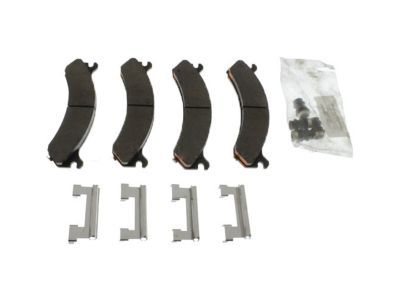
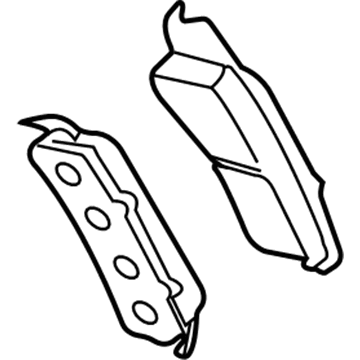
Chevrolet Silverado 3500 Brake Pads, Front Part Number: 19133306
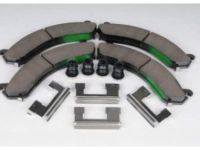
Chevrolet Silverado 3500 Brake Pads, Front Part Number: 18048101
Chevrolet Silverado 3500 Brake Pad
Want to cut long-term maintenance and repair costs? Choose OEM Brake Pad. Those parts deliver top durability you can trust. On our site, you'll find a huge catalog of genuine Chevrolet Silverado 3500 parts. Prices are unbeatable, so you can keep more in your pocket. Every OEM Chevrolet Silverado 3500 Brake Pad includes a manufacturer's warranty. You can also get an easy return policy that keeps buying risk free. Fast delivery, get your car on the road quickly. It's simple to search, compare, and order. Stop guessing about quality or fit. Order today and save with parts that last.
Chevrolet Silverado 3500 Brake Pad Parts and Q&A
- Q: How to replace the front brake pads on the 25/3500 Series on Chevrolet Silverado 3500?A:Before working on the front brake pads of the 25/3500 series check the brake master cylinder reservoir fluid level first. If the level is halfway between marks you don't need to drain fluid but dispose it when it exceeds the midpoint. Use 2 big c-clamps to compress the brake caliper pistons while placing them on top of the caliper housing against the back of the outer pad until the pistons move completely into the brake caliper. Reduce brake power before you remove the brake caliper bolts to protect components from breaking. Mount the caliper on mechanic's wire without breaking the Brake Line connection and take out the brake pads while disposing of the old anti-rattle clips. Examine the caliper and bracket first to install new anti-rattle clips before putting on the disc brake pads. Make sure the pads sit correctly inside the 2500 series with wear sensor on the leading pad and the 3500 series. Secure the brake caliper into place and install its bolts by tightening them to 80 ft. Lbs. (108Nm). Put back the wheel parts and take out safety stands while lowering the vehicle down. Use the brake pedal three-fourths of its reach to set the caliper pistons without the engine running while cycling the pedal until brake control returns. To complete the service install clean brake fluid into the reservoir up to its specified mark and apply pressure to the brake pads and rotors through a burnishing procedure.
- Q: How to replace the rear brake pads (All except 1500 Series W/O NYS) on Chevrolet Silverado 3500?A:Before replacing the rear brake pads for all except 1500 series w/o nys check the brake master cylinder reservoir fluid level. If it sits between the minimum and maximum points you can start without draining fluid but draining is needed when the fluid level reaches the maximum point. Lift up the vehicle then take off both tire and wheel parts. Assemble heavy mechanic's wire fasteners to support the brake caliper when it has disconnected from its mounting bracket to shield the hydraulic flexible brake hose from injury. Check the brake caliper assembly without detaching the hydraulic brake hose before taking it off from the mount plate. Disc brake pads should be taken out from the mounting bracket with anti-rattle clips going in the trash. After you put new anti-rattle clips on the mounting bracket install the disc brake pads before putting back the brake caliper. Put back the wheel and tire in place then take out the safety stands while lowering the vehicle. When the engine is turned off apply pressure to the brake pedal until it reaches 2/3 of its stretching range then let it go followed by repeating this motion until the brake caliper buttons rest accurately with the pads. Complete the brake fluid tank with fresh fluid before finishing the pad and wheel surface burnishing steps.
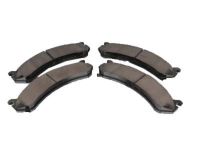
Related Chevrolet Silverado 3500 Parts
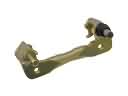 Chevrolet Silverado 3500 Brake Caliper Bracket
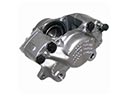 Chevrolet Silverado 3500 Brake Calipers
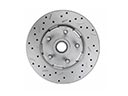 Chevrolet Silverado 3500 Brake Disc
 Chevrolet Silverado 3500 Brake Drum
 Chevrolet Silverado 3500 Brake Line
 Chevrolet Silverado 3500 Brake Shoe
 Chevrolet Silverado 3500 Parking Brake Shoe
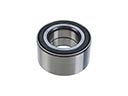 Chevrolet Silverado 3500 Wheel Bearing
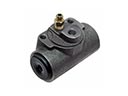 Chevrolet Silverado 3500 Wheel Cylinder
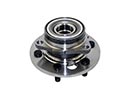 Chevrolet Silverado 3500 Wheel Hub
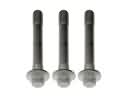 Chevrolet Silverado 3500 Wheel Hub Bolt
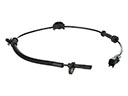 Chevrolet Silverado 3500 Wheel Speed Sensor