ChevyParts
My Garage
My Account
Cart
OEM GMC Canyon Emblem
Badge- Select Vehicle by Model
- Select Vehicle by VIN
Select Vehicle by Model
orMake
Model
Year
Select Vehicle by VIN
For the most accurate results, select vehicle by your VIN (Vehicle Identification Number).
33 Emblems found
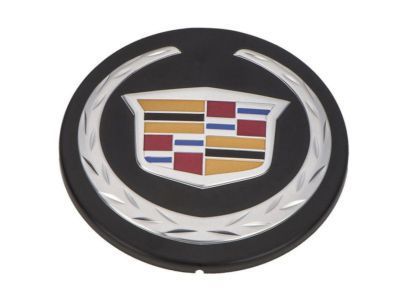
GMC Canyon Emblem Part Number: 12620296
$22.08 MSRP: $34.58You Save: $12.50 (37%)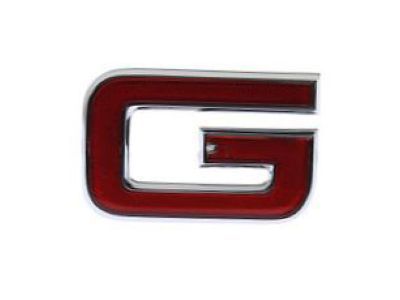

GMC Canyon Letter Part Number: 15634639
$31.54 MSRP: $46.94You Save: $15.40 (33%)Ships in 1-2 Business Days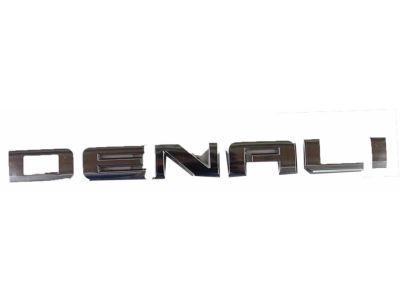
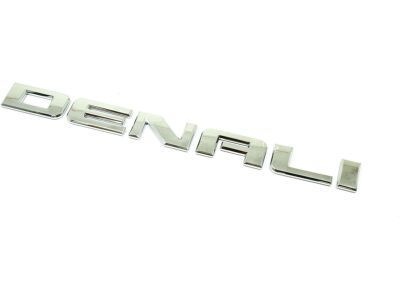
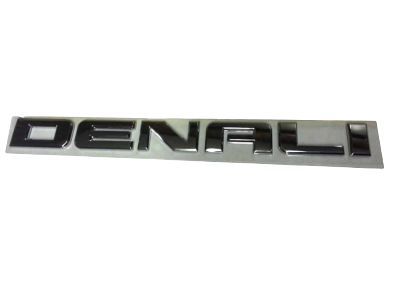
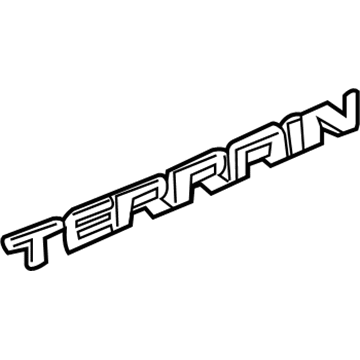
GMC Canyon Nameplate, Front Part Number: 15825691
$55.33 MSRP: $82.35You Save: $27.02 (33%)Ships in 1-3 Business Days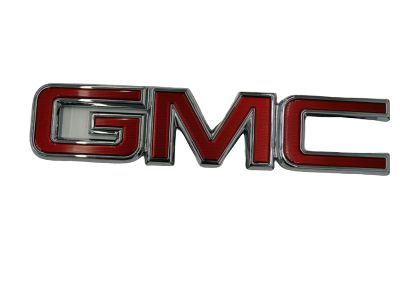
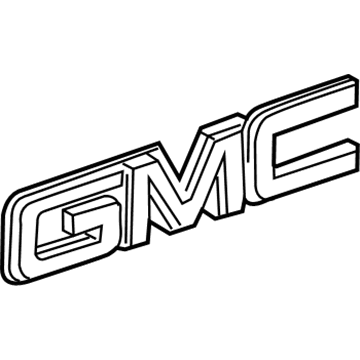
GMC Canyon Emblem, Rocket Red Part Number: 23122158
$81.28 MSRP: $120.97You Save: $39.69 (33%)Ships in 1-3 Business Days
GMC Canyon Emblem Part Number: 84689784
$12.04 MSRP: $17.92You Save: $5.88 (33%)Ships in 1-3 Business Days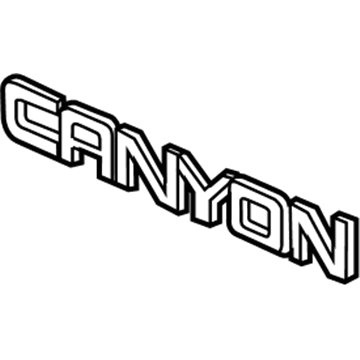
GMC Canyon Nameplate Part Number: 84466999
$19.05 MSRP: $28.36You Save: $9.31 (33%)Ships in 1-3 Business Days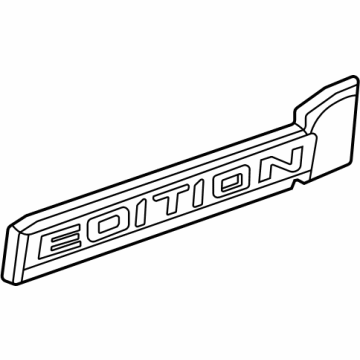
GMC Canyon Nameplate Part Number: 85543243
$20.03 MSRP: $29.81You Save: $9.78 (33%)Ships in 1-2 Business Days
GMC Canyon Emblem, Fuse Red Part Number: 84237676
$20.09 MSRP: $29.91You Save: $9.82 (33%)Ships in 1-2 Business Days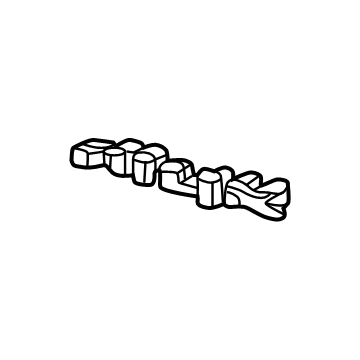
GMC Canyon Nameplate Part Number: 84965131
$20.27 MSRP: $30.17You Save: $9.90 (33%)Ships in 1-2 Business DaysGMC Canyon Nameplate Part Number: 84965127
$21.36 MSRP: $31.79You Save: $10.43 (33%)Ships in 1-2 Business Days
GMC Canyon Emblem, Radiator Grille & Ornamentation, Fuse Red Part Number: 84237678
$23.60 MSRP: $35.12You Save: $11.52 (33%)Ships in 1-2 Business Days
GMC Canyon Emblem, Fuse Red Part Number: 84237677
$23.60 MSRP: $35.12You Save: $11.52 (33%)Ships in 1-2 Business Days
GMC Canyon Letter Part Number: 15634641
$27.38 MSRP: $40.76You Save: $13.38 (33%)Ships in 1-2 Business Days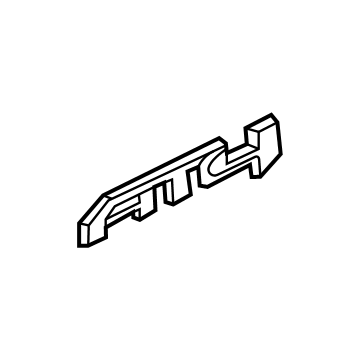
GMC Canyon Nameplate Part Number: 84913746
$34.28 MSRP: $51.03You Save: $16.75 (33%)Ships in 1-3 Business Days
GMC Canyon Emblem, Fuse Red Part Number: 84937217
$35.21 MSRP: $55.11You Save: $19.90 (37%)Ships in 1-3 Business Days
GMC Canyon Emblem, Fuse Red Part Number: 84937215
$35.21 MSRP: $55.11You Save: $19.90 (37%)Ships in 1-3 Business Days
GMC Canyon Emblem, Fuse Red Part Number: 84937213
$35.21 MSRP: $55.11You Save: $19.90 (37%)Ships in 1-3 Business Days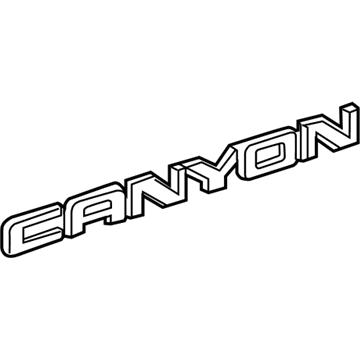
GMC Canyon Nameplate, Rear Part Number: 22900425
$38.12 MSRP: $56.74You Save: $18.62 (33%)Ships in 1-3 Business Days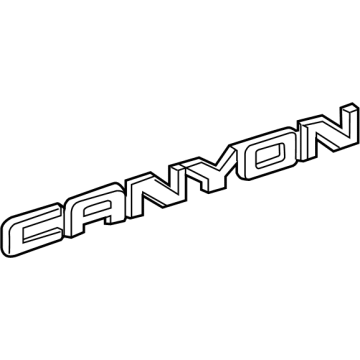
GMC Canyon Nameplate Part Number: 85639487
$46.03 MSRP: $68.51You Save: $22.48 (33%)Ships in 1-2 Business Days

GMC Canyon Letter Part Number: 15634643
$59.43 MSRP: $88.45You Save: $29.02 (33%)
| Page 1 of 2 |Next >
1-20 of 33 Results
GMC Canyon Emblem
Want to cut long-term maintenance and repair costs? Choose OEM Emblem. Those parts deliver top durability you can trust. On our site, you'll find a huge catalog of genuine GMC Canyon parts. Prices are unbeatable, so you can keep more in your pocket. Every OEM GMC Canyon Emblem includes a manufacturer's warranty. You can also get an easy return policy that keeps buying risk free. Fast delivery, get your car on the road quickly. It's simple to search, compare, and order. Stop guessing about quality or fit. Order today and save with parts that last.
GMC Canyon Emblem Parts and Q&A
- Q:How to replace the front side door emblem/nameplate on GMC Canyon?A:To update the front side door emblem/nameplate on a Canyon start by placing tape around the affected region for precision. Heat the emblem/nameplate with a J 25070 gun at 152 mm (6 inches) distance for 30 seconds in circular motions. Dislodge the emblem/nameplate gently with plastic and flat-blade tool to safeguard the paint surface. Clean the door panel and emblem back with the 3M molding adhesive remover 3M P/N 07501 pad until the surface is free of dirt. Afterwards drop the door panel surface using VMP naphtha to prepare for placement. Use tape to mark the position and measure 9.9 inches up from bottom edge and 6.18 inches from door front to place the emblem/nameplate at front. Set the J 25070 heat gun to heat the door panel to at least 21°C (70°F), after that take off the adhesive backing at the front end of the emblem/nameplate without touching the adhesive. Put the emblem/nameplate onto the panel and keep removing the backing paper. Roll it by hand to stick well and check contact before taking off the tape from around the door emblem.
- Q:How to replace the pickup box side emblem and side rear nameplate on GMC Canyon?A:Mark the surface with tape to help you protect the emblems during replacement. Firmly hold the J 25070 Heat Gun at 152 mm (6 in) and heat the decal for 30 seconds by moving the gun in small circles. A plastic tool will protect the surface as you pull off the decal carefully. Then clean the surface with 3M(TM) P/N 07501 or equivalent model adhesive remover. Use VMP naptha to clean the area and detach the tail lamp before starting. Apply tape and set the top of the decal at 178.5 mm (7.03 in) above the pickup box edge. Also position the decal's lowest point 66.3 mm (2.61 in) behind the tail lamp sheet metal edge when there is no manufacturer marking visible. Use the J 25070 Heat Gun to heat the door surface until it reaches at least 21°C (70°F) and avoid touching the adhesive side of the decal. Gently place the front end of the decal on painted surface as you remove the backing then roll the decal by hand to bond it properly. Check if the decal sticks correctly then take away the tape and install the tail lamp again.