ChevyParts
My Garage
My Account
Cart
OEM Chevrolet Silverado 3500 Classic Brake Pad
Disc Brake Pad Set- Select Vehicle by Model
- Select Vehicle by VIN
Select Vehicle by Model
orMake
Model
Year
Select Vehicle by VIN
For the most accurate results, select vehicle by your VIN (Vehicle Identification Number).
5 Brake Pads found
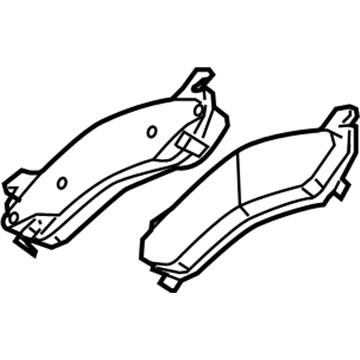
Chevrolet Silverado 3500 Classic Brake Pads, Front Part Number: 19432941
$117.72 MSRP: $243.96You Save: $126.24 (52%)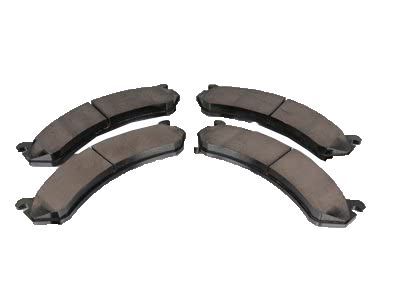
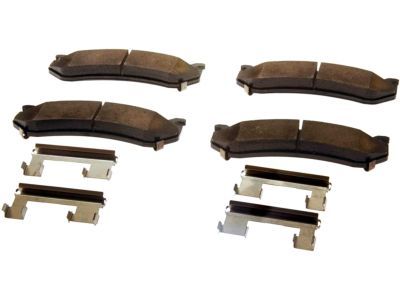
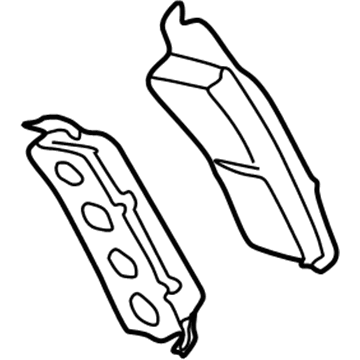
Chevrolet Silverado 3500 Classic Brake Pads Part Number: 19210705
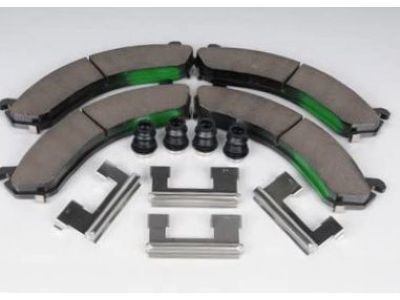
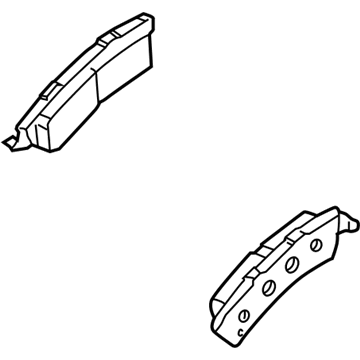
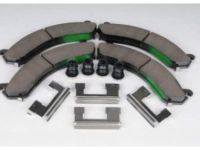
Chevrolet Silverado 3500 Classic Brake Pads Part Number: 19133307
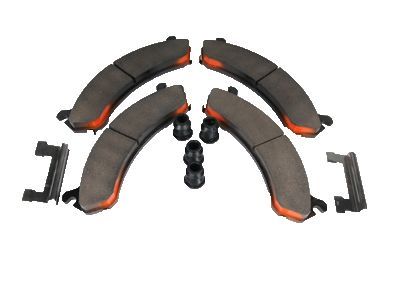
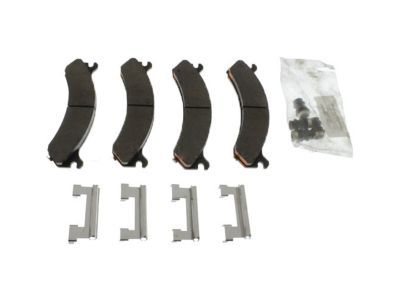
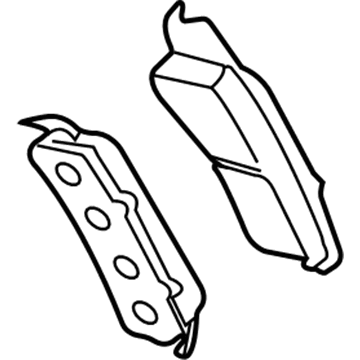
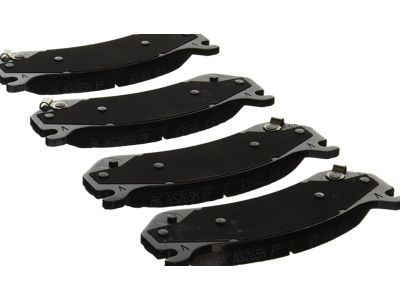
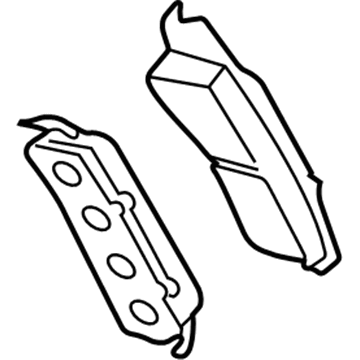
Chevrolet Silverado 3500 Classic Brake Pad
Want to cut long-term maintenance and repair costs? Choose OEM Brake Pad. Those parts deliver top durability you can trust. On our site, you'll find a huge catalog of genuine Chevrolet Silverado 3500 Classic parts. Prices are unbeatable, so you can keep more in your pocket. Every OEM Chevrolet Silverado 3500 Classic Brake Pad includes a manufacturer's warranty. You can also get an easy return policy that keeps buying risk free. Fast delivery, get your car on the road quickly. It's simple to search, compare, and order. Stop guessing about quality or fit. Order today and save with parts that last.
Chevrolet Silverado 3500 Classic Brake Pad Parts and Q&A
- Q: How to replace the rear disc brake pads on the 25/3500 Series on Chevrolet Silverado 3500 Classic?A:Before starting the 25/3500 series Brake Pad replacement check the brake master cylinder fluid level. Keep the fluid at mid-point when it is between maximum and minimum marks while drain it to mid-point if it is above the marks. After taking out the tire and wheel assembly you need to put large c-clamps over the brake caliper housing and against the back of outboard pad to compress the brake caliper pistons until they are fully retracted. Use mechanic wire as a support to hold the brake caliper when disconnecting it from its mounting position to protect the hydraulic brake hose. To access the inside brake pads you must disconnect the brake caliper bolts and lift the unit from its bracket. Transfer it to mechanics wire suspension for protection. Take off brake pads after removing anti-rattle clips. Examine the brake caliper unit including its mount. Assemble the new anti-rattle clips on the caliper bracket before you connect the brake caliper. Install the brake pads and put the caliper back onto the bracket, making sure to put in the brake caliper bolts and tighten them to 108 nm (80 ft. Lbs.). Put back the wheel assembly along with the tire then take out safety stands and move the vehicle down. Turn off the engine before you slowly push the brake pedal 2/3 of its distance and slowly release it several times until you feel a solid brake reaction from the caliper piston and pads. After finishing install the necessary brake fluid to reach the correct level and smooth the brake pads and rotors.
- Q: How to replace the front disc brake pads on the 25/3500 Series on Chevrolet Silverado 3500 Classic?A:The first step to replace front disc brake pads on 25/3500 series is to inspect brake master cylinder reservoir fluid levels. If the fluid sits midway between highest and lowest marks, no drainage is needed. Put on the c-clamps over the top of the caliper housing and press it down against the rear pad to retract the brake caliper pistons fully. Keep the brake pedal in its relaxed position when you unbolt the caliper to prevent any component damage. Set the brake caliper onto mechanic's wire without unplugging the hydraulic brake hose and remove the brake pads plus their anti-rattle clips to examine the caliper and caliper bracket. First install new anti-rattle clips onto the caliper bracket then put disc brake pads (2500 Series needs both inner and outer pads) before connecting the caliper bracket. Put back the tire and wheel system after installing brake caliper bolts with a torque value of 108 nm (80 ft. Lbs.) when the vehicle is lowered. To properly seat brake caliper pistons and pads first turn off engine then slowly press the brake pedal one-third at its length before releasing it. Perform this step several times until brake pedal stops moving. Put brake fluid into the master cylinder reservoir as needed and use the disc sanding tool to smooth the pad surfaces.
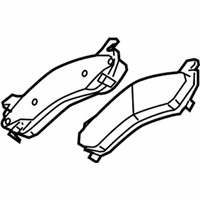
Related Chevrolet Silverado 3500 Classic Parts
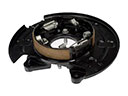 Chevrolet Silverado 3500 Classic Brake Backing Plate
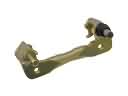 Chevrolet Silverado 3500 Classic Brake Caliper Bracket
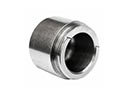 Chevrolet Silverado 3500 Classic Brake Caliper Piston
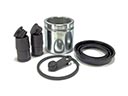 Chevrolet Silverado 3500 Classic Brake Caliper Repair Kit
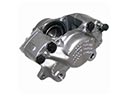 Chevrolet Silverado 3500 Classic Brake Calipers
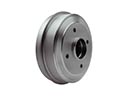 Chevrolet Silverado 3500 Classic Brake Drum
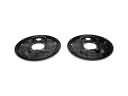 Chevrolet Silverado 3500 Classic Brake Dust Shields
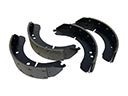 Chevrolet Silverado 3500 Classic Brake Shoe
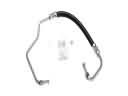 Chevrolet Silverado 3500 Classic Hydraulic Hose
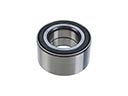 Chevrolet Silverado 3500 Classic Wheel Bearing
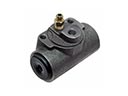 Chevrolet Silverado 3500 Classic Wheel Cylinder
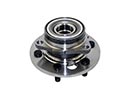 Chevrolet Silverado 3500 Classic Wheel Hub