ChevyParts
My Garage
My Account
Cart
OEM Cadillac DeVille Antenna
Radio Antenna- Select Vehicle by Model
- Select Vehicle by VIN
Select Vehicle by Model
orMake
Model
Year
Select Vehicle by VIN
For the most accurate results, select vehicle by your VIN (Vehicle Identification Number).
17 Antennas found
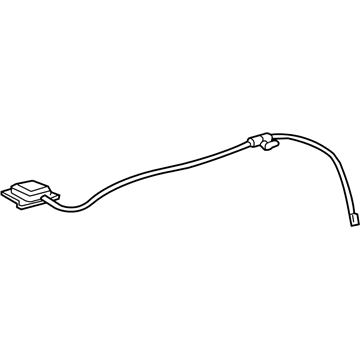
Cadillac DeVille Antenna Assembly Part Number: 25731631
$12.84 MSRP: $91.72You Save: $78.88 (86%)Ships in 1-2 Business Days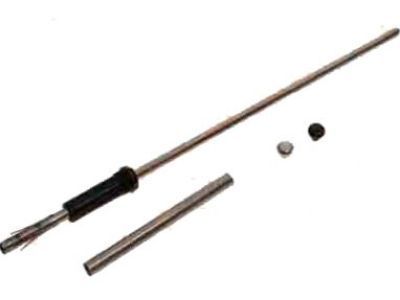
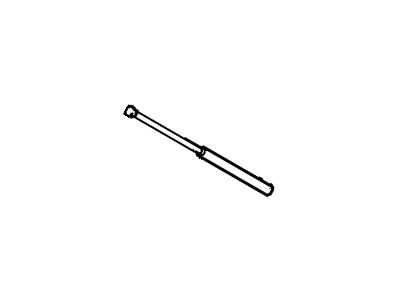
Cadillac DeVille Antenna Mast Part Number: 19151302
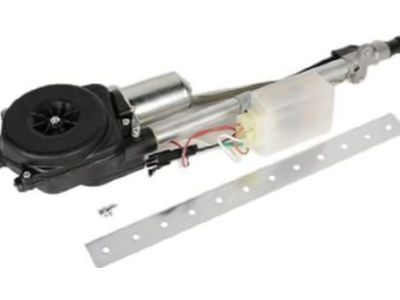
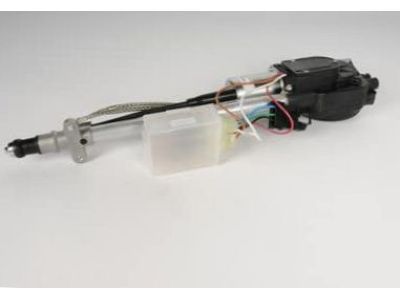
Cadillac DeVille Power Antenna Part Number: 19245562
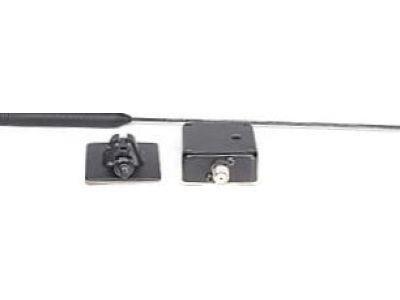
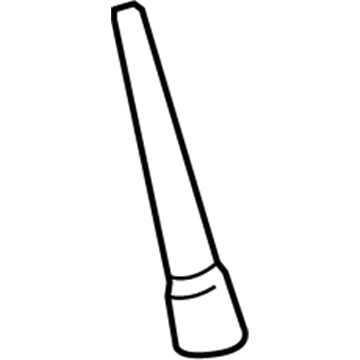
Cadillac DeVille Antenna Mast Part Number: 19117040
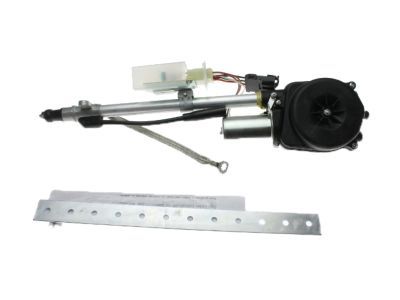
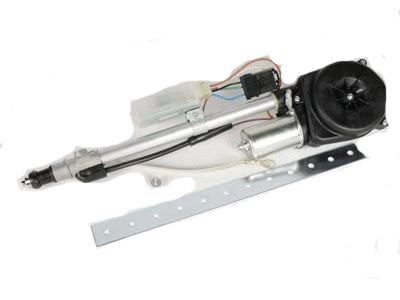
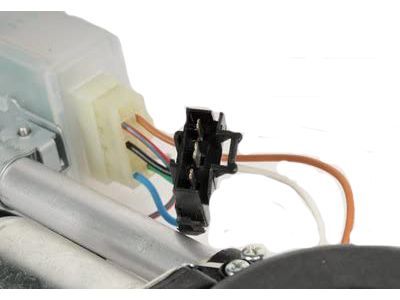
Cadillac DeVille Power Antenna Part Number: 19245563
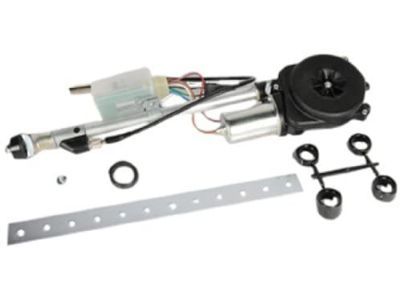
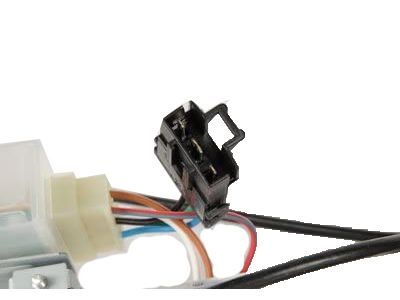
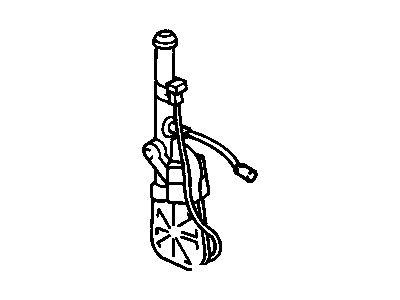
Cadillac DeVille Power Antenna Part Number: 19245561
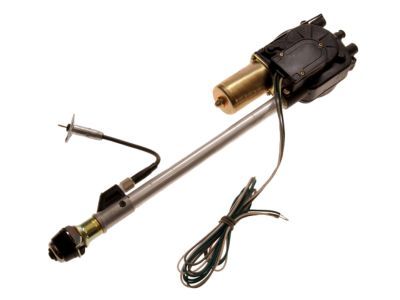
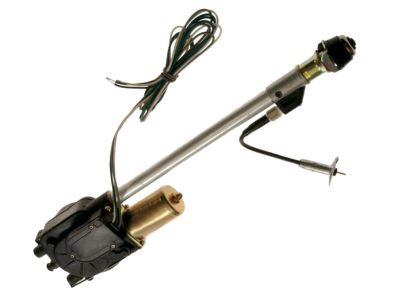
Cadillac DeVille Power Antenna Part Number: 88891017

Cadillac DeVille Mast Part Number: 1636508
Cadillac DeVille Antenna Part Number: 22039343
Cadillac DeVille Antenna Mast Part Number: 19151300
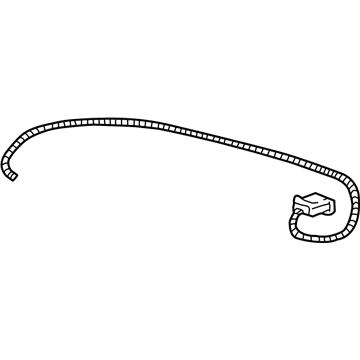
Cadillac DeVille Antenna Assembly Part Number: 12450709
Cadillac DeVille Antenna Assembly Part Number: 12451037
Cadillac DeVille Antenna Assembly Part Number: 22048593
Cadillac DeVille Antenna Assembly Part Number: 25670348
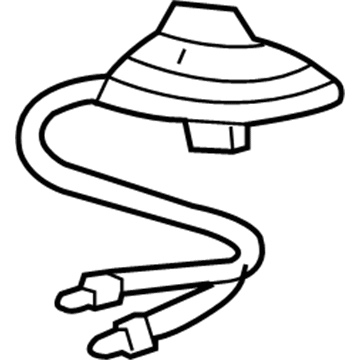
Cadillac DeVille Antenna Assembly Part Number: 25761436
Cadillac DeVille Antenna Assembly Part Number: 12355706

Cadillac DeVille Antenna Part Number: 22072383
Cadillac DeVille Antenna
Want to cut long-term maintenance and repair costs? Choose OEM Antenna. Those parts deliver top durability you can trust. On our site, you'll find a huge catalog of genuine Cadillac DeVille parts. Prices are unbeatable, so you can keep more in your pocket. Every OEM Cadillac DeVille Antenna includes a manufacturer's warranty. You can also get an easy return policy that keeps buying risk free. Fast delivery, get your car on the road quickly. It's simple to search, compare, and order. Stop guessing about quality or fit. Order today and save with parts that last.
Cadillac DeVille Antenna Parts and Q&A
- Q:How to replace the cellular communications antenna on Cadillac DeVille?A:The cellular communications Antenna replacement process starts with removing the rear seat back and the right side sail panel. Before proceeding remove the rear shelf trim panel and disconnect the cellular phone Antenna Cable connection behind the rear seat back. Start by removing the rear window defroster/cellular phone Antenna ground fastener positioned behind the right side sail panel to ground both components. Use a razor blade or putty knife to carefully remove the cellular phone Antenna through the backglass inside before totally removing the device from the vehicle. Connect the cellular phone Antenna Cable to its connection and position the cell phone Antenna Cable/rear window defroster ground fastener through the cellular phone Antenna and rear window defroster ground attachment point. Tighten the cellular phone Antenna Cable ground/rear window defroster fastener to 9 n.m (80 lb in) on the body body. Remove debris from the backglass area that will host the cellular phone Antenna installation at the right side beneath the defroster grid. Connect the new Antenna Cable to the Antenna loop while keeping the cable attached to the printed area of the loop for correct electrical contact. Position the cellular phone Antenna on the backglass while using soapy water to mount it at a 102 mm (4 in) distance from the blackout line on the right side and 9.5 mm (3/8 in) under the defroster grid. Clean all remaining soapy water from the backglass before reattaching the rear shelf trim panel followed by the right side sail panel and concluding with the rear seat back.
- Q:How to remove and reinstall the GPS antenna on Cadillac DeVille?A:Starting with rear shelf trim panel removal leads to access of the rear shelf carrier panel. Proceed to disconnect electrical connections from rear speaker modules and the rear shelf carrier panel. After accessing the wire harness remove retaining clips on this panel. Start by disconnecting the electrical connections of the rear speaker and the modules found on the rear shelf carrier panel. Then disconnect the wire harness from its retaining clips on that same panel. Use a flatblade screwdriver to pull on the pushpins centers for release followed by removing each gps Antenna assembly. The gps Antenna assembly must be removed after it has been detached from the rear shelf carrier panel. During reassembly position the gps Antenna onto the rear shelf carrier panel then use pushpins to latch it into place by making sure each pin engages through the center first follow these steps to rewire the rear shelf carrier panel: reconnect the harness to its retainers then join wiring to rear speaker components and rear modules and replace the panel with rear shelf trim.
Related Cadillac DeVille Parts
 Cadillac DeVille Fuse Box
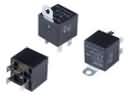 Cadillac DeVille Fuel Pump Relay
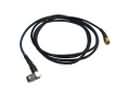 Cadillac DeVille Antenna Cable
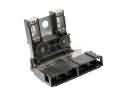 Cadillac DeVille Battery Fuse
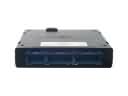 Cadillac DeVille Body Control Module
 Cadillac DeVille Cooling Fan Relay
 Cadillac DeVille Door Harness Connector
 Cadillac DeVille Door Lock Switch Connector
 Cadillac DeVille Horn Relay
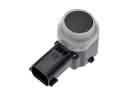 Cadillac DeVille Parking Assist Sensor
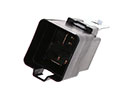 Cadillac DeVille Radiator Fan Relay
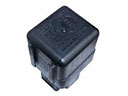 Cadillac DeVille Starter Relay