ChevyParts
My Garage
My Account
Cart
OEM 2004 GMC Canyon Antenna
Radio Antenna- Select Vehicle by Model
- Select Vehicle by VIN
Select Vehicle by Model
orMake
Model
Year
Select Vehicle by VIN
For the most accurate results, select vehicle by your VIN (Vehicle Identification Number).
3 Antennas found
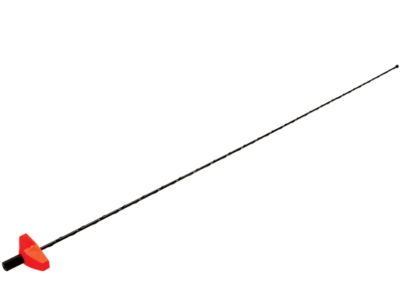
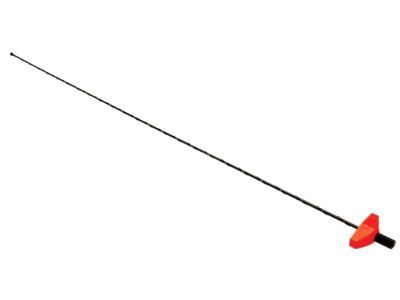
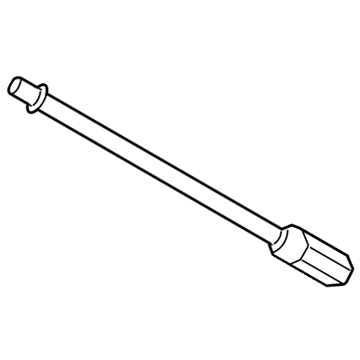
2004 GMC Canyon Antenna Mast, Black Part Number: 15087886
$68.17 MSRP: $135.62You Save: $67.45 (50%)Ships in 1-3 Business DaysProduct Specifications- Other Name: Antenna, Radio
- Replaces: 10149422, 10263208, 10136715, 10289035, 15042595, 15074561, 15668423, 16140500, 22590955
- Item Weight: 1.40 Pounds
- Item Dimensions: 33.3 x 2.8 x 0.8 inches
- Condition: New
- Fitment Type: Direct Replacement
- SKU: 15087886
- Warranty: This genuine part is guaranteed by GM's factory warranty.
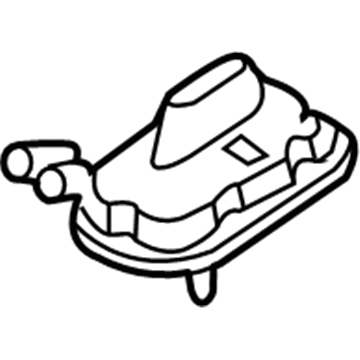
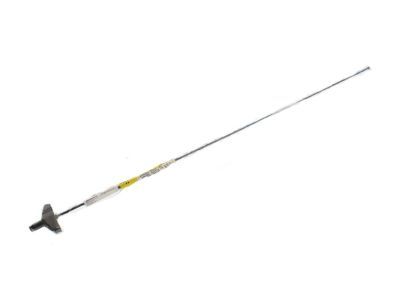
2004 GMC Canyon Antenna Part Number: 15205657
Product Specifications- Other Name: Base, Radio Antenna
- Item Weight: 0.90 Pounds
- Item Dimensions: 6.6 x 6.4 x 4.5 inches
- Condition: New
- Fitment Type: Direct Replacement
- SKU: 15205657
- Warranty: This genuine part is guaranteed by GM's factory warranty.

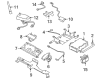
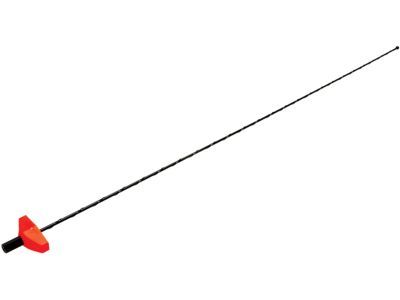
2004 GMC Canyon Antenna Mast Part Number: 10335281
Product Specifications- Other Name: Antenna, Power Radio Antenna
- Replaces: 15174755
- Item Weight: 0.40 Pounds
- Item Dimensions: 3.9 x 1.1 x 1.1 inches
- Condition: New
- Fitment Type: Direct Replacement
- SKU: 10335281
- Warranty: This genuine part is guaranteed by GM's factory warranty.
2004 GMC Canyon Antenna
With a comprehensive array of OEM 2004 GMC Canyon Antenna, from fuel pumps to door handles, our website is a one-stop-shop for your needs. All our genuine 2004 GMC Canyon Antenna are backed by the manufacturer's warranty and are offered at competitive prices in the market. Rest assured, you can shop with complete confidence.
2004 GMC Canyon Antenna Parts and Q&A
- Q: How to replace the coaxial cable for the navigation and cellular telephone antenna (UE1) on 2004 GMC Canyon?A: The coaxial cable for the navigation and cellular telephone antenna (UE1) is to be replaced and to do so, first drop the front part of the headliner go down so you can connect the coax lead to the antenna connector. It is necessary to remove the coax cable connectors and to undo the fasteners holding the coax cable to the header panel. Eliminate the 3 coax cable retainers from the windshield pillar, and fully open the I/P compartment door. Unplug the Antenna coax cable from the V.C.I.M. jumper harness and remove the retainers for I/P structure. Connect a mechanics wire to the end of the coax cable and remove coax cable retainer from the hinge pillar. Grasp the cable and pull up gently to over-release the retainer from the hinge pillar, while pulling the cable up further to remove it from behind the I/P and leaving the mechanics wire draped behind. Polarize the ENG by using a mechanics wire to attach at the end of the cable to the coax cable and remove the coax cable retainer from the coax cable carefully. Pull the mechanics wire gently down to route the cable behind the I/P and hook the retainer to the hinge pillar and the rest of the retainers below to the I/P structure. This is the part where you connect the antenna coax cable to the VCIM jumper harness, lock the I/P compartment door, install 3 coax cable retainers to the windshield pillar, fasten the retainers of the coax cable to the header panel, connect the coax cable connectors and finally to install the headliner.
Related 2004 GMC Canyon Parts
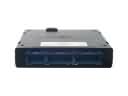 2004 GMC Canyon Body Control Module
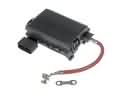 2004 GMC Canyon Fuse Box
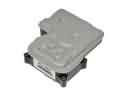 2004 GMC Canyon ABS Control Module
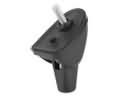 2004 GMC Canyon Antenna Base
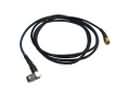 2004 GMC Canyon Antenna Cable
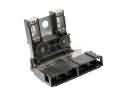 2004 GMC Canyon Battery Fuse
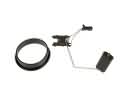 2004 GMC Canyon Fuel Level Sensor
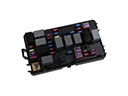 2004 GMC Canyon Fuse
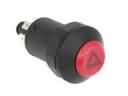 2004 GMC Canyon Hazard Warning Switch
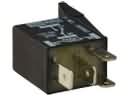 2004 GMC Canyon Headlight Relay
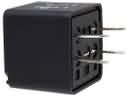 2004 GMC Canyon Relay
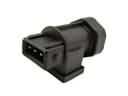 2004 GMC Canyon Vehicle Speed Sensor